
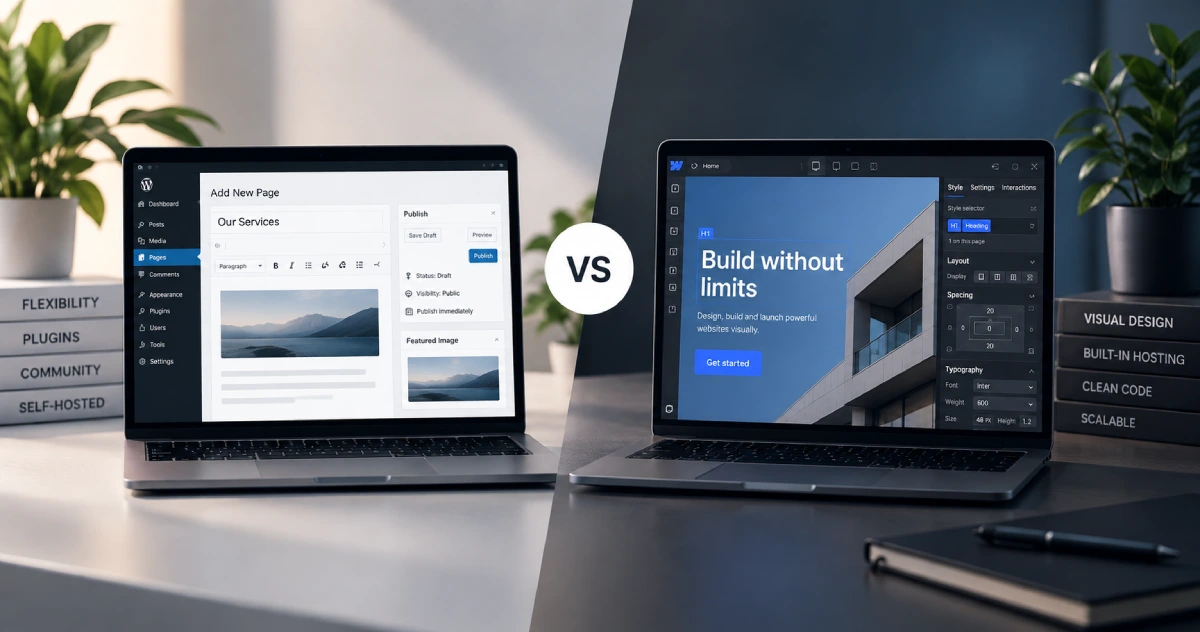
Choosing the right platform is one of the most important decisions when building a new website. Two options that frequently come up are WordPress and Webflow. Both can be used to create professional, responsive websites, but they approach website development in very different ways.
The WordPress vs Webflow decision usually comes down to flexibility, ease of use, design requirements, maintenance, scalability and how much control you want over your website.
WordPress has been one of the most widely used content management systems for years, while Webflow has become a popular option for businesses and designers looking for a more visual website-building experience. Neither platform is automatically better for every project.
Understanding their differences can help you choose the platform that fits your website today without limiting what you may need in the future.
WordPress vs Webflow: What Is the Main Difference?
The biggest difference between WordPress vs Webflow is how the platforms are built and managed.
WordPress is an open-source content management system. You install it on a hosting environment and can extend its functionality using themes, plugins and custom development. This gives developers and website owners considerable freedom over how a site is built and expanded.
Webflow combines a visual website builder, content management system and hosting platform into one ecosystem. Instead of installing themes and plugins for most functionality, users design pages visually and manage many website features directly within Webflow.
This makes Webflow feel more like an integrated website-building platform, while WordPress provides a more flexible foundation that can be customised in many different ways.
Ease of Use and Website Management
Ease of use depends heavily on who will manage the website.
WordPress can be straightforward for content editors once the website has been properly configured. The dashboard makes it easy to publish blog posts, edit pages, upload media and manage website content. Page builders such as Elementor and Gutenberg can also provide a more visual editing experience.
However, WordPress websites can become more complex when many plugins, custom functionality or different development tools are introduced.
Webflow offers a visual interface where users can design layouts while seeing how the page will appear. For people familiar with web design concepts such as containers, positioning, margins and responsive breakpoints, the interface provides significant design control.
There can still be a learning curve, particularly for users without experience in HTML and CSS concepts.
Which Is Easier for Clients?
For simple content updates, either platform can work well. The more important factor is how the website is originally built.
A carefully structured WordPress website can be extremely easy for a client to manage. Likewise, a well-organised Webflow project can allow editors to update content without touching the underlying design.
Design Flexibility
Design is one area where the WordPress vs Webflow comparison becomes particularly interesting.
Webflow was created with visual design control at its core. Designers can create detailed layouts, responsive interactions and custom visual experiences without writing every line of front-end code manually.
WordPress approaches design differently. The amount of flexibility depends on the theme, page builder and development method being used. Tools such as Elementor can provide extensive visual control, while custom WordPress development can go considerably further.
For highly customised projects, WordPress also allows developers to work directly with HTML, CSS, JavaScript and PHP.
Webflow offers an excellent visual workflow, while WordPress provides greater freedom in choosing exactly how the website is developed.
WordPress vs Webflow for SEO
Both platforms can support strong SEO when configured correctly.
WordPress offers extensive SEO flexibility through plugins and custom development. Tools can be used to manage page titles, meta descriptions, XML sitemaps, schema markup, redirects and many other technical SEO elements.
Because WordPress provides deep access to the website, developers can also make technical changes when more advanced optimisation is required.
Webflow includes many important SEO controls directly within the platform. Users can configure metadata, image alt text, redirects, page URLs and other fundamental elements without installing additional plugins.
Ultimately, choosing WordPress vs Webflow for SEO should not be based simply on which platform claims to be more SEO-friendly. Site structure, content quality, page speed, internal linking, mobile usability and technical implementation usually matter far more.
Website Performance and Speed
Both WordPress and Webflow can produce fast websites, but performance is managed differently.
Webflow includes managed hosting and handles much of the underlying infrastructure. This removes several technical decisions from the website owner.
WordPress performance depends more heavily on hosting quality, theme structure, plugins, images, caching and optimisation. A poorly configured WordPress website can become slow, especially if unnecessary plugins and large assets are added.
However, a properly developed and optimised WordPress website can also deliver excellent performance.
The advantage of WordPress is control. Hosting, caching, content delivery networks and server configurations can all be selected and adjusted according to the requirements of the website.
E-Commerce: WooCommerce vs Webflow
For online stores, the difference becomes more noticeable.
WordPress can be transformed into a complete e-commerce platform using WooCommerce. Businesses can manage products, payments, shipping, taxes, discounts and many other store functions. A large ecosystem of WooCommerce extensions also makes it possible to support more specialised requirements.
Webflow also provides e-commerce functionality and can work well for visually driven stores with relatively straightforward requirements.
For stores expecting complex integrations, specialised checkout functionality or significant future expansion, WordPress and WooCommerce generally provide a broader ecosystem.
For smaller stores where design consistency and simplicity are the main priorities, Webflow may still be an appropriate option.
Maintenance and Security
Maintenance is another major factor when comparing WordPress vs Webflow.
A WordPress website requires ongoing attention. WordPress itself, themes and plugins need to be updated, and backups and security should be managed properly. Managed WordPress hosting can automate part of this process, but website owners still need to maintain the installation.
Webflow manages more of the technical infrastructure behind the platform. Users do not need to manage WordPress-style plugin updates or server software themselves.
This can reduce ongoing technical maintenance, although it also means relying more heavily on Webflow’s ecosystem and platform.
Scalability and Long-Term Flexibility
A website that works today may need very different functionality several years from now.
WordPress is particularly strong in this area because of its large ecosystem and open architecture. A simple company website can later add e-commerce, membership functionality, multilingual content, custom integrations or advanced marketing features.
Webflow can also support growing businesses, particularly content-driven and marketing websites. However, specialised functionality may sometimes require external services or integrations.
When comparing WordPress vs Webflow, think beyond the initial website launch. Consider what the business might need if traffic, content, products or functionality grow significantly.
Which Platform Should You Choose?
WordPress is often a strong choice for businesses that want maximum flexibility, extensive integrations, WooCommerce functionality, custom development options and greater control over their hosting environment.
Webflow can be an excellent choice for visually focused websites where design control, an integrated platform and reduced technical maintenance are priorities.
The right platform therefore depends on the project rather than the popularity of either tool.
Final Thoughts on WordPress vs Webflow
The WordPress vs Webflow debate does not have one universal winner. Both platforms can create modern, professional and high-performing websites when used correctly.
WordPress provides an open, highly expandable ecosystem with extensive options for customisation, e-commerce and future development. Webflow offers a polished visual development environment with hosting and website management combined into a single platform.
Before choosing, consider who will manage the site, how much custom functionality is required, what the website may need in the future and how important ongoing technical control is.
A good website platform should not simply make launching easier. It should provide the right foundation for the website to grow alongside the business.